
When the summer heat sets in, a good fan can make all the difference between a restless night and a peaceful sleep. With so many models now on the market, finding one that combines genuine cooling power with a whisper-quiet operation has become something of a challenge for shoppers browsing online. This guide takes a closer look at five of the best silent fans currently available, before turning to the cleaning and care routines that will help keep them running smoothly and quietly for years to come.
Key takeaways
- The article evaluates five top-rated silent fans, focusing on the balance between effective cooling power and minimal noise output.
- Manufacturers utilize advanced features like aerodynamic blade designs and brushless motors to significantly reduce vibration and operational sound.
- Premium brands such as Dyson and Rowenta lead the market, though smart features and app connectivity are increasingly common additions.
- Regular cleaning of blades and grilles is essential, as dust accumulation causes imbalance and forces motors to work harder, leading to increased noise.
- Maintenance schedules should be tailored to the fan type, with daily-use table fans requiring more frequent cleaning than ceiling or column models.
- Proper storage in dry, breathable covers and placing fans on stable surfaces are crucial practices for preventing mechanical wear and noise-causing vibrations.
- Simple troubleshooting, such as tightening loose screws or lubricating bearings, can often resolve increased noise without the need for major repairs.
Comprehensive Review of the 5 Leading Silent Fans Available Online
Shopping for a fan online can feel overwhelming, given the sheer number of options claiming to be the quietest on the market. To make sense of it all, we compared five standout models across table, column, and ceiling designs, weighing up their sound levels, cooling capacity, and overall build quality. Each of these fans has earned a strong reputation among consumers looking for fresh air without the constant hum that so often disrupts concentration or sleep.
Performance analysis: sound levels and cooling efficiency across top models
The best silent fans manage to strike a careful balance between airflow and noise output. A machine that blows powerfully but sounds like a jet engine defeats the purpose entirely, so manufacturers have increasingly turned to aerodynamic blade design and brushless motors to reduce vibration. Among the models tested, those with multiple speed settings proved particularly popular, allowing users to dial down the power during the night whilst still enjoying a strong burst of cooling during the hottest part of the day. Column fans, in particular, tend to perform well in this regard, as their vertical design helps distribute air more evenly across a room without needing to run at full throttle.
Feature comparison: dyson, rowenta, and other premium brands evaluated
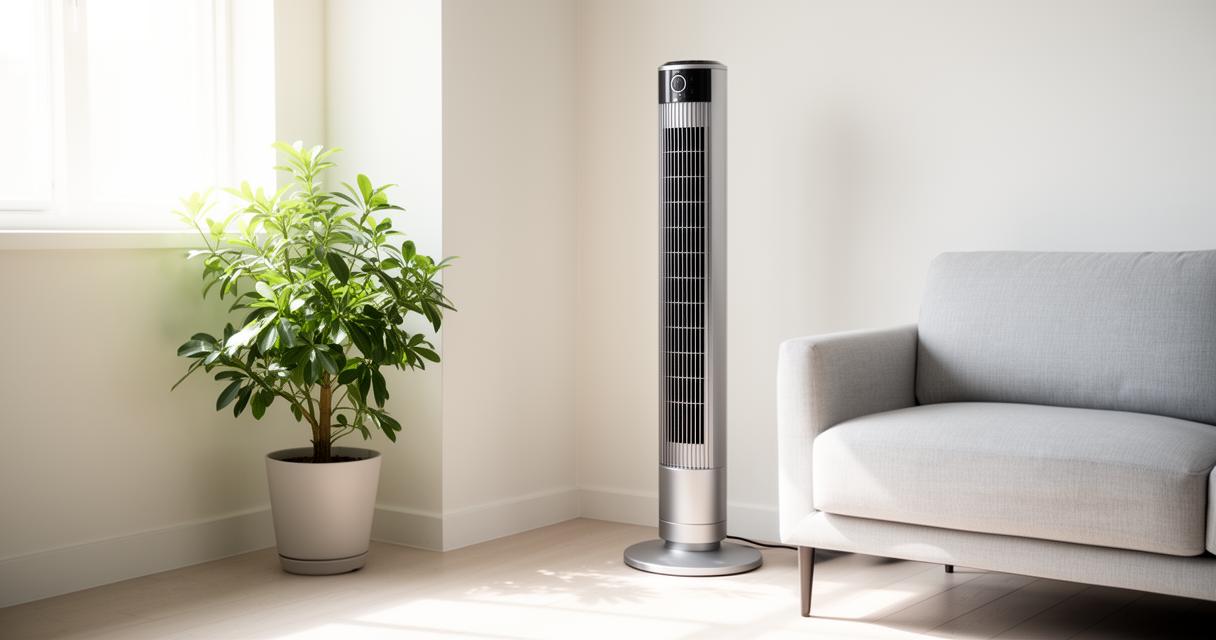
When it comes to premium options, Dyson and Rowenta continue to dominate the conversation, and for good reason. Dyson's bladeless designs are prized for their sleek appearance and remarkably smooth airflow, while Rowenta's column fans offer robust performance paired with intuitive remote controls. Beyond these two giants, several smart models now include app connectivity, allowing users to schedule operation or adjust settings from a smartphone. Naturally, these added features come at a price, so it is worth considering whether the convenience justifies the extra spend. For those on a tighter budget, simpler table fans still deliver reliable value for money, proving that a hefty price tag is not always necessary for effective cooling.
Essential cleaning techniques to maintain optimal quiet performance
Even the most impressively engineered fan will eventually start to rattle or hum if dust and grime are left to accumulate on its blades and internal components. Regular cleaning is therefore not just a matter of hygiene but a genuine necessity for preserving that coveted silent operation. Dust build-up disrupts the balance of the blades, forcing the motor to work harder and, inevitably, more noisily.
Step-by-Step Guide to Cleaning Table, Ceiling, and Column Fans
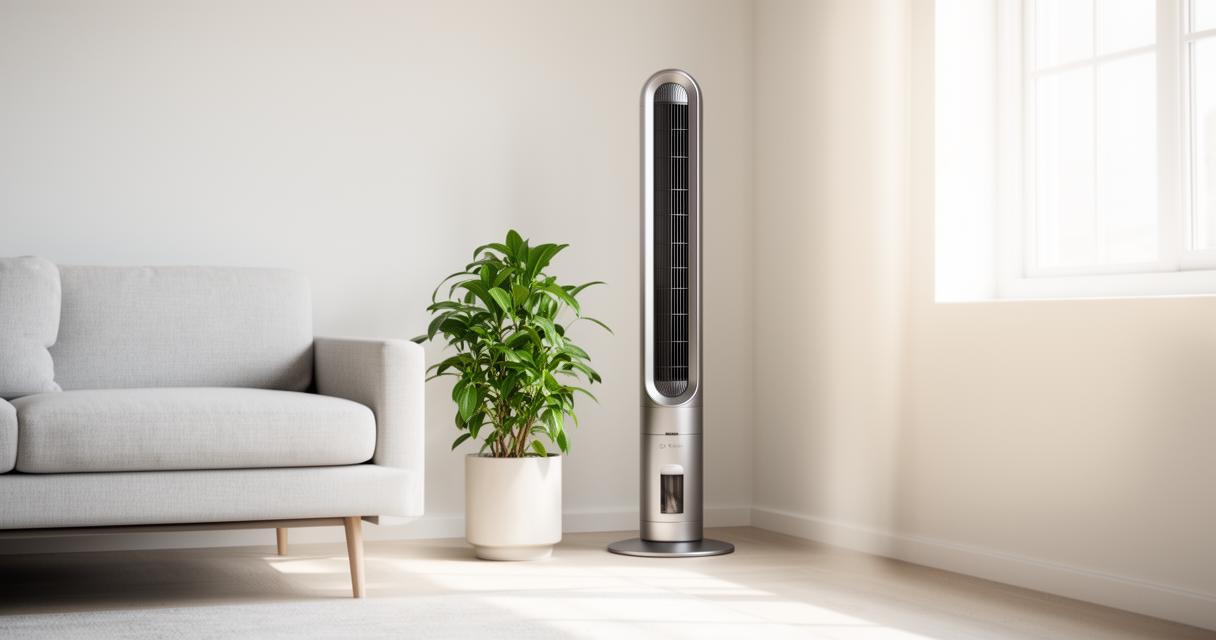
Cleaning routines will naturally vary depending on the type of fan in question. For table and column models, the process usually begins with unplugging the unit and removing the front grille, which can typically be wiped down with a damp cloth or soaked in warm soapy water. The blades themselves should be gently brushed to remove any clinging dust before being wiped clean and left to dry completely. Ceiling fans require a slightly different approach, given their height and the risk of dust falling as you work. A long-handled duster or a soft cloth wrapped around a broom handle can help reach the top of each blade, where dust tends to settle most heavily. It is also worth checking the motor housing on all fan types, as trapped dust here can muffle airflow and create unwanted noise over time.
Recommended maintenance schedule for different fan types
How often a fan needs cleaning depends largely on how frequently it is used and the environment in which it operates. As a general guide:
- Table and pedestal fans used daily should be wiped down every fortnight during peak summer months.
- Ceiling fans, which accumulate dust more slowly, can typically be cleaned once every four to six weeks.
- Column fans with enclosed blades may only need a thorough clean once a month, though the exterior grille benefits from more frequent dusting.
Sticking to a consistent schedule not only keeps the fan quieter but also extends its overall lifespan considerably.
Long-term care strategies for preserving whisper-quiet operation
Beyond regular cleaning, a handful of thoughtful habits can go a long way towards keeping a fan running smoothly for years. Many households overlook simple storage and positioning choices that ultimately determine how well a unit performs once the warmer months return.
Proper Storage and Environmental Considerations for Fan Longevity
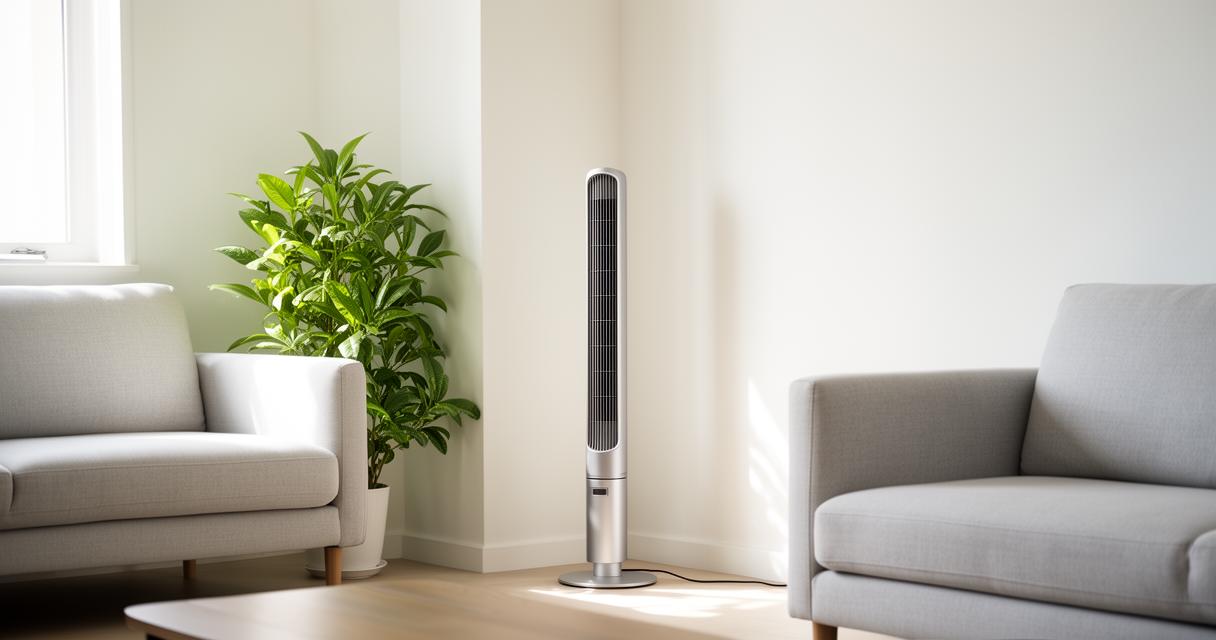
When the cooler seasons arrive, storing a fan correctly makes a genuine difference to its condition come next summer. Ideally, the unit should be cleaned thoroughly before being wrapped in a breathable cover and kept in a dry space away from damp or dust-prone areas such as garages or basements. Excess humidity can cause internal components to corrode subtly, which often manifests as an unexpected rattle or grinding sound when the fan is switched back on. Positioning also matters during use; placing a fan on an uneven surface or too close to a wall can cause vibrations that amplify noise unnecessarily.
Troubleshooting common noise issues and prevention methods
Should a fan begin to sound noisier than usual, the culprit is often something simple rather than a sign of serious mechanical failure. Loose screws on the grille or blades are a frequent cause, and tightening these can resolve the issue almost instantly. Worn-out bearings, on the other hand, may require a little lubricating oil to restore smooth, quiet rotation. If a persistent buzzing continues despite cleaning and tightening, it may be worth checking that the blades are properly balanced, as even a slight warp can cause disruptive vibration. Taking a proactive approach to these small issues ensures that any of the top silent fans mentioned earlier will continue delivering fresh air and peaceful quiet for many summers ahead.