
Zombie gunship survival has become something of a phenomenon for players who fancy blending frantic aerial combat with the slow-burn tension of base building, and bringing that experience onto a proper computer screen changes things rather dramatically. What started life as a mobile hit from the developer Flaregames now translates surprisingly well to a desktop setup, giving players a bigger view of the battlefield and far more precise control when the undead come swarming in. This guide walks through everything you need to know about getting the game running on Windows, understanding how the AC130 gunship combat actually works, and where to turn when you fancy chatting with other survivors or need a helping hand from customer support.
In brief
- Playing Zombie Gunship Survival on PC offers a larger battlefield view and more precise controls compared to the mobile version.
- The game has modest system requirements, running smoothly on Windows 10 with at least 8GB of RAM and integrated graphics.
- Installation is handled through the Steam store, which manages automatic updates and ensures access to the latest content.
- The core gameplay combines arcade-style AC130 aerial combat with tactical base defense and resource management.
- Strategic success depends on prioritizing weapon upgrades, reinforcing base defenses, and adapting to different zombie behaviors.
- An active online community provides a valuable resource for players to share combat tactics, farming strategies, and game tips.
Setting Up Zombie Gunship Survival on Your Windows PC: System Requirements and Installation Guide
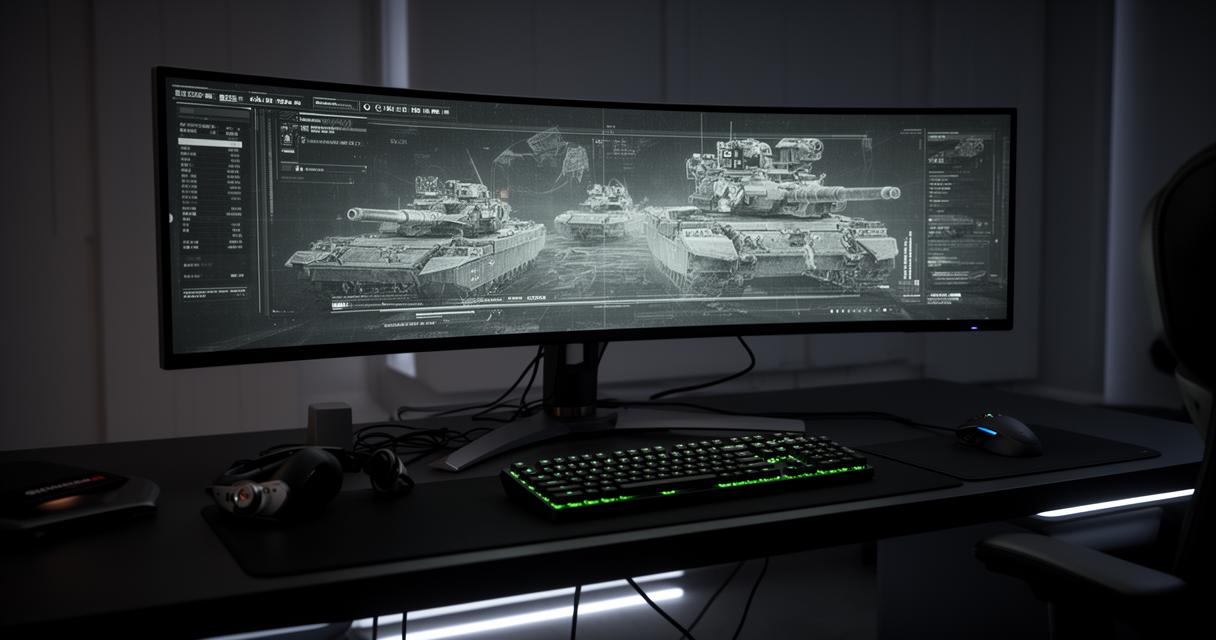
Before diving into the chaos of zombie elimination from thousands of feet in the air, it's worth checking that your machine can actually handle the job. The minimum requirements are refreshingly modest by today's standards, which is good news for anyone using an older laptop or a budget desktop rig. You'll need Windows 10 as your operating system, alongside a solid state drive with at least ten gigabytes of free storage, since load times and texture streaming benefit enormously from an SSD rather than a traditional spinning hard disk. On the graphics side, something along the lines of an Intel UHD Graphics 630 chip will do the trick, meaning you don't need a dedicated gaming graphics card to enjoy the aerial combat and base defence sequences. Memory-wise, eight gigabytes of RAM and a processor with four CPU cores should keep things running smoothly without stuttering during the busier firefights.
Understanding the Minimum and Recommended System Requirements for Your Computer
It's tempting to assume that a first-person shooter style game involving an AC130 gunship would demand a beastly rig, but the reality is far more forgiving. The developers have clearly optimised the experience so that it runs comfortably on integrated graphics, which makes sense given its roots as a mobile title enjoyed by over ten million downloads worldwide. That said, if you're hoping to play for extended stretches without any hiccups, aiming slightly above the stated minimum specification will give you a bit of breathing room, particularly during hectic weekly events when the screen fills with enemies and explosions simultaneously.
Step-by-Step Process for Downloading and Installing from Steam Store
Getting the game onto your machine is a straightforward affair through the Steam store, where zombie gunship survival sits as a free-to-play title with optional in-app purchases available for those who want to speed up their progress. Simply search for the title within the Steam client, hit the install button, and let the launcher handle the download and setup automatically. Once installed, Steam will keep the game patched with the latest updates, ensuring you always have access to the newest weapon upgrades and content drops without any manual faffing about. It's worth noting that the game carries a PEGI 12 age rating, so it's suitable for a fairly broad audience while still containing enough combat intensity to keep things exciting.
Mastering the Gameplay: Battles, Strategy, and Online Co-op Features
Once installed, the core loop of zombie gunship survival revolves around commanding your AC130 gunship from above, raining down firepower on hordes of infected below while protecting your ground team and base infrastructure. The combat feels distinctly like a hybrid between an arcade shooter and a tower defence game, since you're not just mindlessly firing but making tactical decisions about which threats to prioritise and when to unleash your heaviest ordnance.
Core gameplay mechanics and combat strategies against zombie hordes
Success in this survival game hinges on understanding the different zombie types you'll encounter, each with unique behaviours and weaknesses that reward careful observation rather than button mashing. As you progress, resource collection becomes essential, allowing you to fund upgrades for both your gunship and your base defences. A few practical tips can make a real difference early on:
- Prioritise upgrading your primary weapon before spreading resources too thinly across secondary systems
- Keep an eye on weekly events, since they often offer generous rewards for relatively achievable objectives
- Reinforce your base defences regularly, as neglecting them can undo hours of progress in a single tough wave
Strategic patience tends to outperform reckless aggression, particularly once the difficulty ramps up and the zombie waves grow more coordinated in their assault patterns.
Exploring Multiplayer Options and Co-operative Play with Fellow Survivors
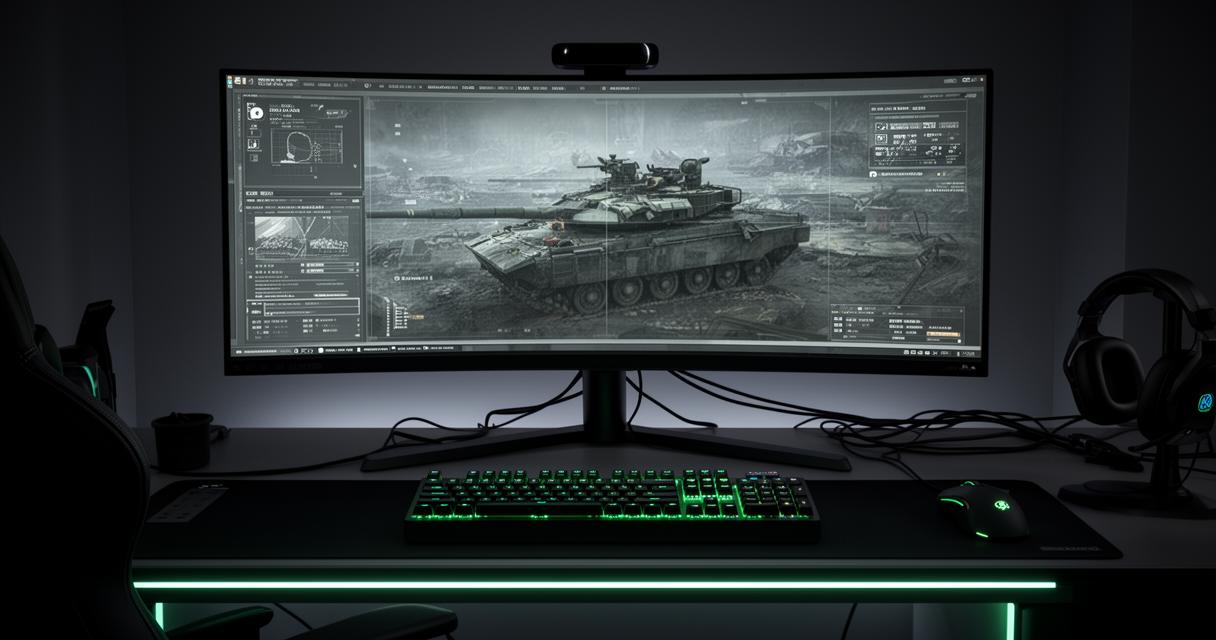
While the game began as a largely solo experience, its multiplayer community has grown into something genuinely valuable for players wanting shared strategies and camaraderie. Co-operative elements allow survivors to swap tips on gunship simulator tactics, discuss the most efficient ways to farm resources, and even compare notes on how best to tackle particularly stubborn zombie variants. This sense of community adds real longevity to what might otherwise be a repetitive action game, transforming it into something with social stickiness that keeps players returning night after night.
Community Insights and Essential Support Resources for New Players
No game thrives in isolation, and zombie gunship survival benefits enormously from an active player base willing to share honest feedback and practical advice. Currently holding a rating of four stars from a modest but engaged pool of forty-one reviews, the title has cultivated a loyal following who appreciate its blend of accessible controls and surprisingly deep strategic layers.
Reading Reviews and Engaging with Community Discussions for Better Gameplay
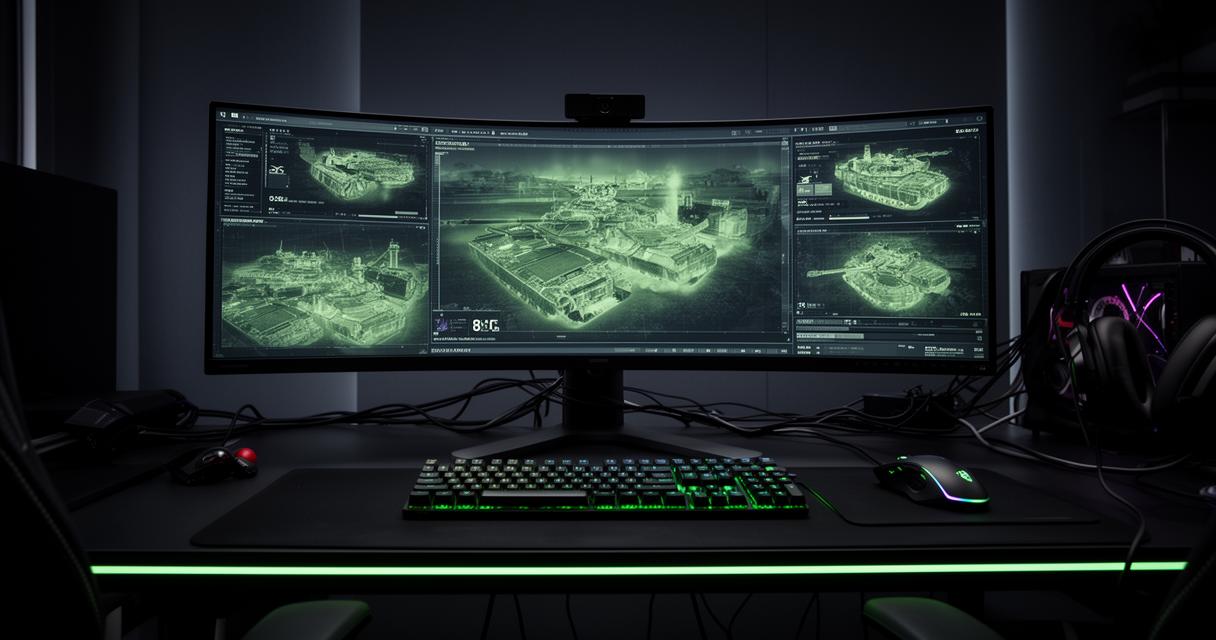
Browsing through community discussions often reveals shortcuts and strategies that aren't immediately obvious from the in-game tutorials alone. Many players discuss optimal weapon upgrade paths, share screenshots of particularly chaotic battles, and debate the merits of different base layouts. Taking time to read through these conversations before committing resources can save considerable frustration, especially for newcomers still finding their footing amongst seasoned survivors.
Accessing support services, privacy policies, and international user guidelines
For anyone encountering technical hiccups or account issues, Flaregames GmbH operates support services out of Berlin, Germany, and can be reached directly through their dedicated email address for troubleshooting assistance. Given the game's international reach, players from a wide range of countries should familiarise themselves with the privacy policy governing data use, particularly since in-app purchases involve handling payment information responsibly. The developer has structured its guidelines to comply with regulations across different regions, offering reassurance to a genuinely global community of survivors who log in daily to defend their bases and push back the endless tide of the undead.