
Socket 1155 might seem like a relic in an era dominated by newer architectures, but this venerable platform continues to power a surprising number of budget builds, retro gaming rigs and home server projects. Whether you're resurrecting an old machine or hunting for a bargain upgrade, understanding which processors still hold their own and how to keep them running cool is essential knowledge for anyone tinkering with this generation of hardware in 2025.
Key takeaways
- The Socket 1155 platform remains a viable option for budget builds, retro gaming, and home servers in 2025.
- Intel Core i7 2600K and 3770K are considered the best performance choices due to their quad-core architecture and hyperthreading.
- Core i5 models like the 2500K and 3570K provide an excellent balance of cost and capability for users who do not require hyperthreading.
- Quality air cooling is sufficient for most Socket 1155 builds, though liquid cooling may be beneficial for aggressive overclocking.
- Proper maintenance, including regular dust cleaning and replacing thermal paste, is essential to prevent thermal throttling and ensure longevity.
- Overclocking is best achieved with K-series processors on Z68 or Z77 motherboards, provided users manage voltage and temperature carefully.
- Maximizing performance requires utilizing dual-channel DDR3 memory and selecting motherboards with robust VRM designs.
Top-rated socket 1155 processors: performance leaders in 2025
When it comes to squeezing the most life out of an LGA 1155 motherboard, a handful of chips consistently rise to the top of enthusiast recommendations. The platform, originally launched alongside Intel's Sandy Bridge and later refreshed with Ivy Bridge, still offers respectable performance for everyday computing, light gaming and even some productivity workloads. The trick is knowing which processors deliver the best balance of clock speed, core count and thermal efficiency.
Intel Core i7 2600K and 3770K: The Enthusiast's Choice
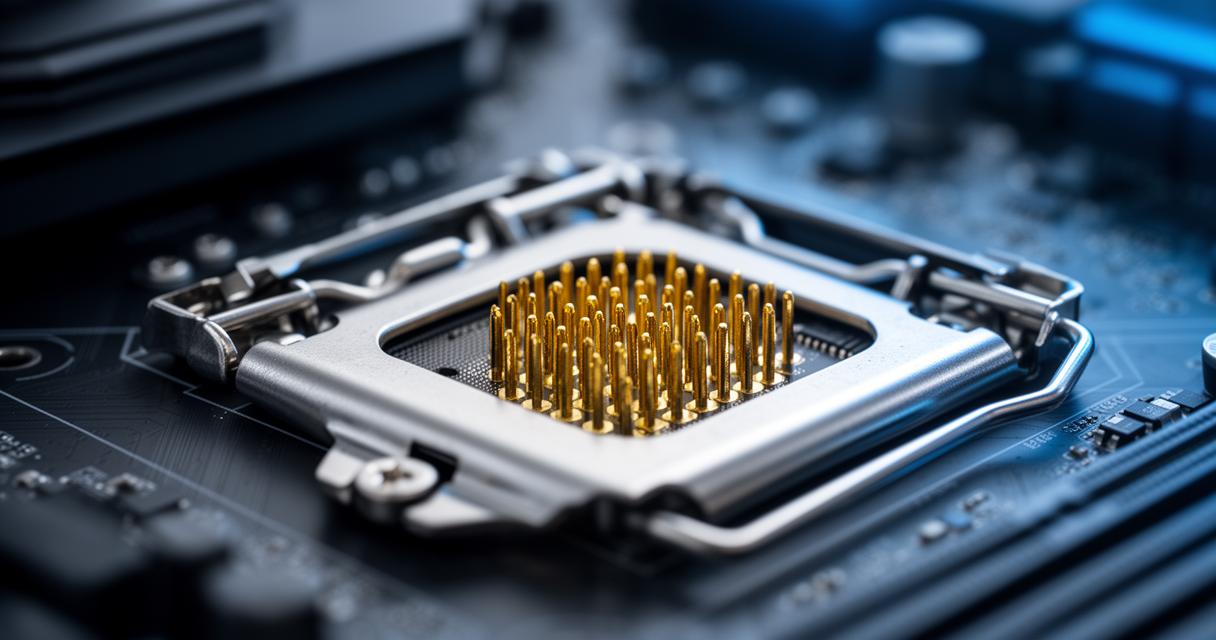
For those wanting to extract maximum performance from a Socket 1155 build, the Intel Core i7 2600K remains something of a legend. Its unlocked multiplier made it a darling of overclockers back in the day, and it still holds up reasonably well for multitasking and moderate gaming when paired with a decent graphics card. The 3770K, its Ivy Bridge successor, refined the formula with improved efficiency and slightly better integrated graphics, making it the more desirable pick if you can find one at a fair price. Both chips feature four cores with hyperthreading, giving them a distinct advantage over non-K variants when tackling demanding applications.
Intel Core i5 Models: Balancing Power and Value
Not everyone needs the top-tier chip, and this is where the i5 lineup shines. Models like the i5 2500K and i5 3570K offer excellent value, delivering strong single-threaded performance without the premium price tag associated with their i7 counterparts. These processors lack hyperthreading, but for gaming purposes especially older titles that rarely utilise more than four threads, the difference is often negligible. Builders on a tighter budget frequently find these chips represent the sweet spot between cost and capability, particularly when sourced second-hand.
Essential cooling solutions for socket 1155 cpus
Choosing the right processor is only half the battle. Without adequate cooling, even the best Socket 1155 chip will throttle under load or, worse, degrade prematurely. This platform's compact size and relatively modest thermal output make it forgiving compared to modern high-wattage chips, but that doesn't mean cooling should be an afterthought.
Air coolers vs liquid cooling systems: what works best
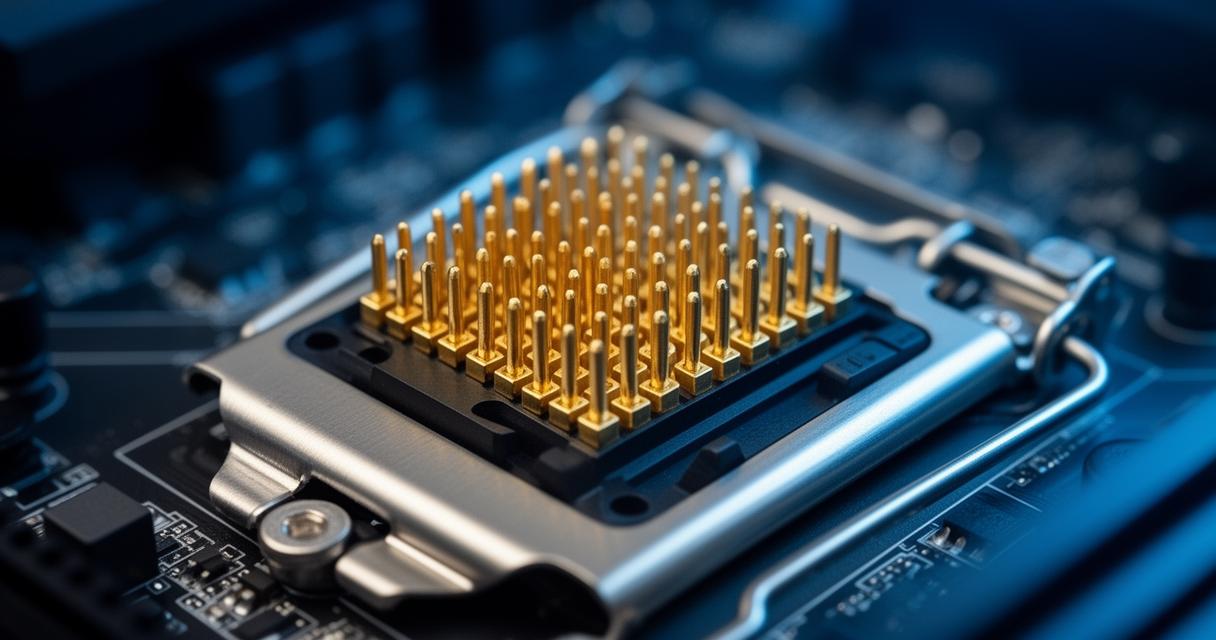
For the vast majority of Socket 1155 builds, a quality air cooler is more than sufficient. Tower coolers with a single fan and a handful of heat pipes can comfortably handle stock speeds and mild overclocks without breaking a sweat. Liquid cooling, while undeniably effective and aesthetically pleasing, is often overkill unless you're pushing an unlocked chip to its absolute limits. That said, a compact all-in-one liquid cooler can offer quieter operation and lower temperatures if you're planning aggressive overclocking sessions or simply want headroom for longevity.
It's worth noting that compatibility brackets for this ageing socket are becoming scarcer as manufacturers phase out support in favour of newer platforms, so checking mounting hardware before purchasing is a sensible precaution.
Thermal management strategies for optimal performance
Beyond the cooler itself, proper thermal paste application and case airflow play a significant role in maintaining stable temperatures. Ensuring your case has adequate intake and exhaust fans prevents heat from pooling around the CPU socket, while reapplying thermal compound every few years keeps thermal transfer efficient as older paste tends to dry out and lose effectiveness over time.
- Clean dust from heatsinks and fans regularly to maintain airflow
- Monitor temperatures with software during demanding tasks
- Replace ageing thermal paste every two to three years
Maximising your socket 1155 system in 2025
Even with age against it, a well-configured Socket 1155 system can still punch above its weight. Getting the most from this hardware requires a bit of tuning knowledge and an understanding of what the platform can realistically achieve.
Overclocking potential and bios configuration tips
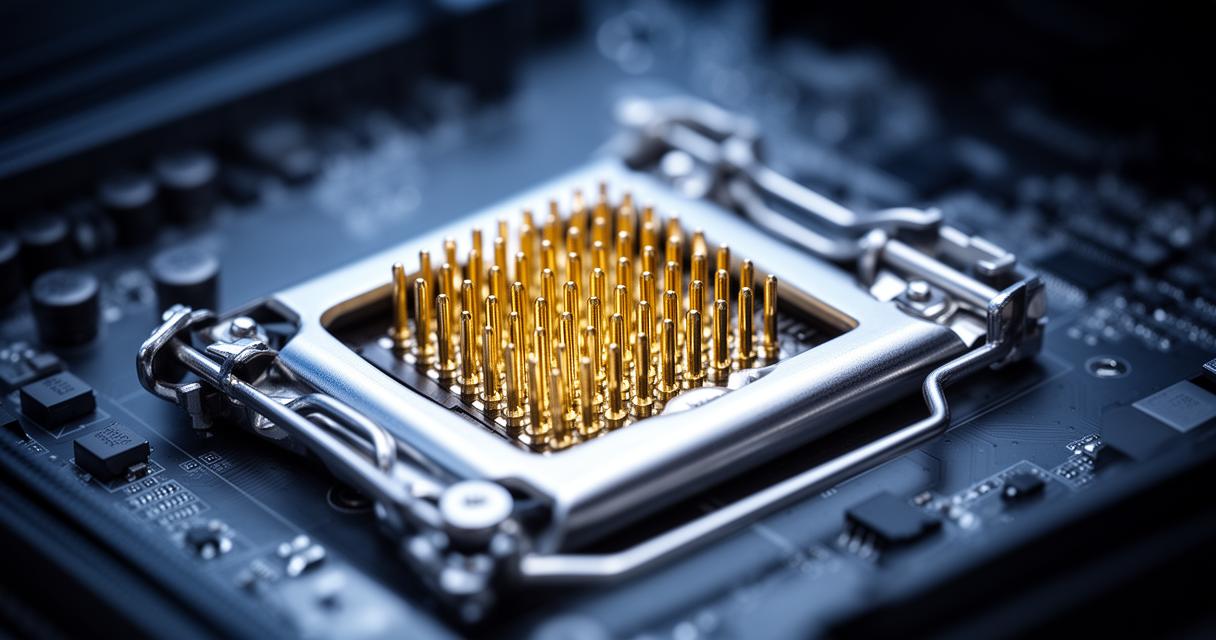
Unlocked K-series chips remain the star of any overclocking endeavour on this platform. Pushing the 2600K or 3770K beyond their stock clocks can yield noticeable performance gains, though it's wise to increase voltage incrementally and monitor temperatures closely throughout the process. Most Z68 and Z77 motherboards offer robust BIOS options for adjusting multipliers, voltage and memory timings, giving tinkerers plenty of room to experiment. Patience during this process pays dividends, as a stable overclock achieved gradually tends to be far more reliable than one rushed through aggressive jumps.
Compatible motherboards and memory configurations
Pairing your processor with the right motherboard chipset matters enormously. Z68 and Z77 boards unlock overclocking features, while H61 and H67 boards are better suited to straightforward, non-overclocked builds. Memory-wise, this platform supports DDR3, and while it won't compete with modern DDR4 or DDR5 speeds, running dual-channel kits at rated speeds ensures you're not leaving performance on the table. For anyone assembling a fresh Socket 1155 build in 2025, sourcing a reliable motherboard with solid VRM design will make a tangible difference in stability and overclocking headroom alike.